
Download
Mythral is on its way.
Your download has started. Three steps and you're dictating.
Mythral-1.12.68-Apple-Silicon.dmgAbout 25 MB · Signed and notarized by AppleApple silicon Mac (M1 or later) · macOS 14.4 or later
Download againThree steps to your first dictation
- 1
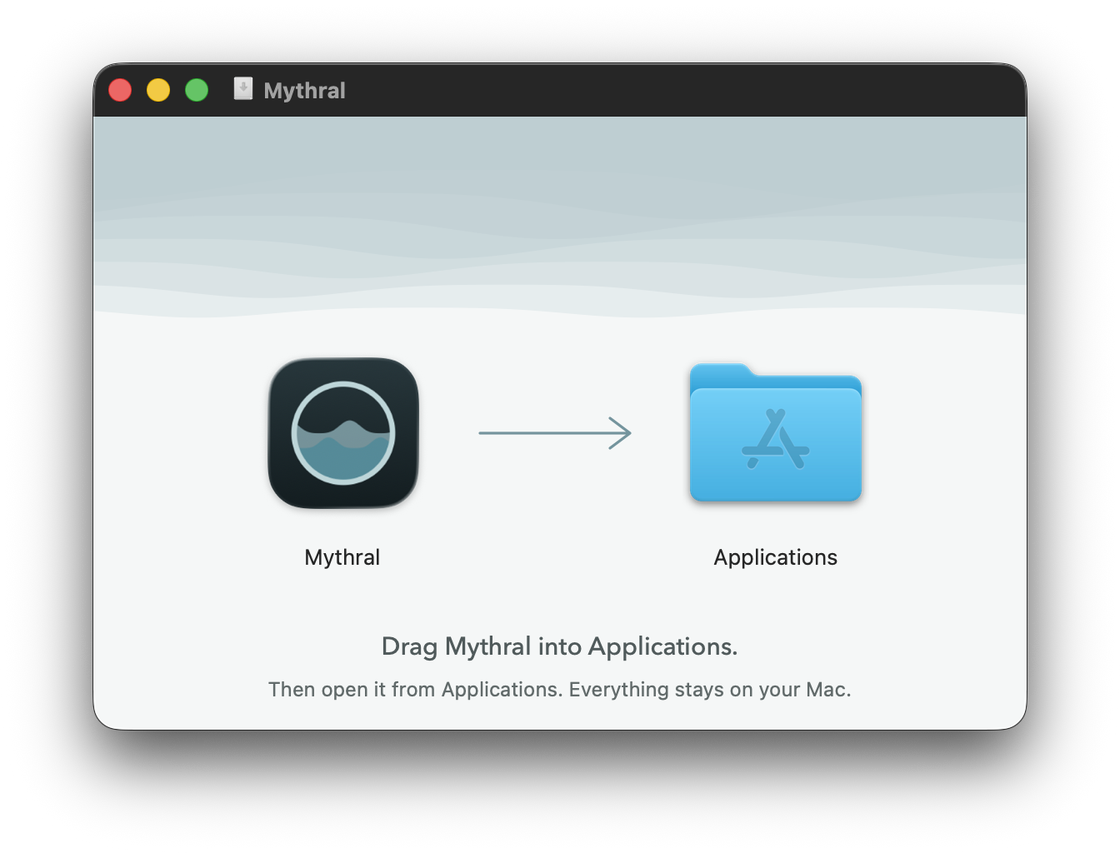
Drag it into Applications
Open the file you just downloaded, then drag Mythral onto the Applications folder.
- 2
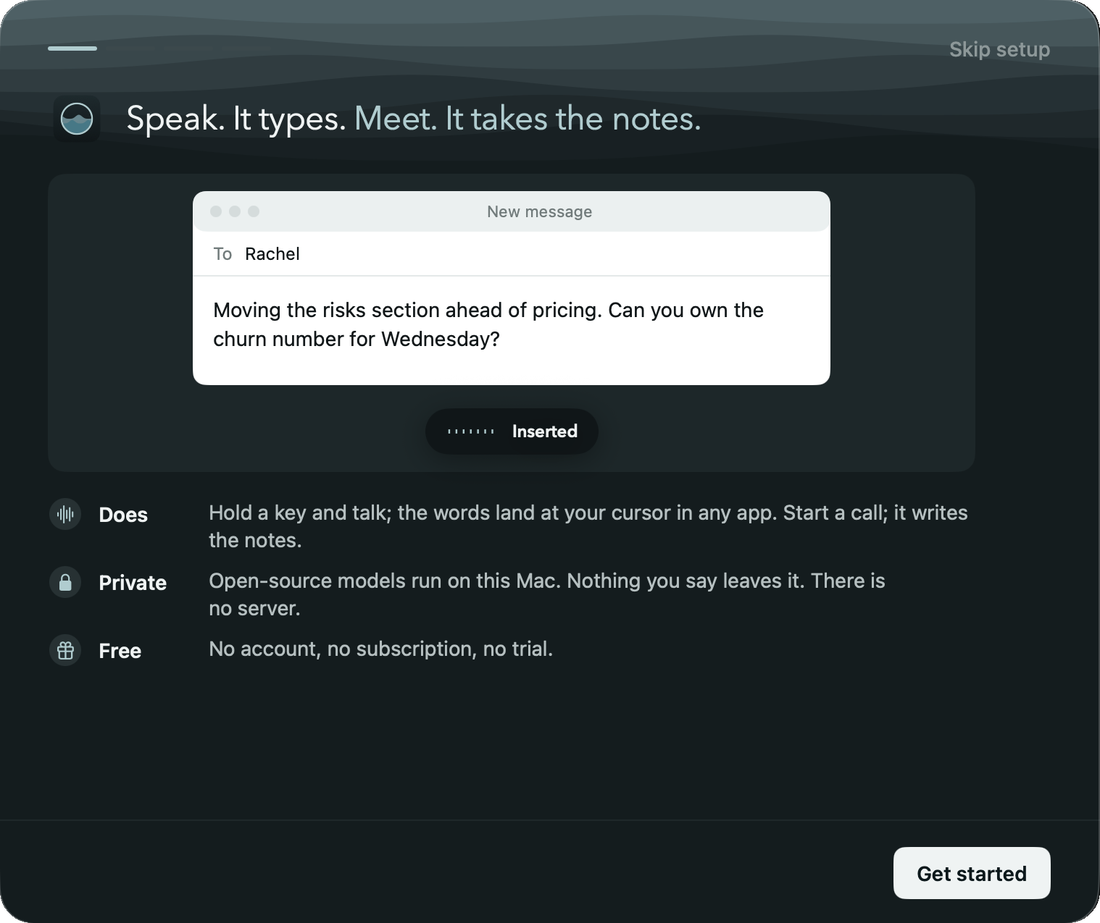 Ready. Works offline from now on.
Open Mythral
It fetches its speech models once, then works offline. Nothing you say leaves your Mac.
- 3



Hold the key and talk
Let go, and your words land wherever your cursor is: Mail, Slack, a doc, anywhere.